Your best marketing already exists — it's the Reels and TikToks your brand (and your customers) have been posting. The obvious move is to put that content on your Shopify store. But there's a trap most guides skip: the easy way to embed a TikTok or Reel makes it impossible to sell from.
This post covers the three ways to add short-form video to Shopify, the one mistake that quietly kills conversions, and how to make your Reels and TikToks genuinely shoppable — with the add-to-cart living inside the player.
The trap: a plain embed sends shoppers away
Here's the problem with copy-pasting an Instagram or TikTok embed onto a product page: when a shopper taps it, they leave your store. The native embed's job is to drive traffic back to the social platform — so a tap opens TikTok or Instagram, and your hard-won, high-intent visitor is now scrolling someone else's feed instead of checking out.
A manual embed also can't be tagged. There's no way to attach your product, variant, and add-to-cart to a raw social embed — so even if the viewer loves what they see, there's no buy button in reach.
For brand awareness, a plain embed is fine. For selling, it's a leak.
The three ways to add TikTok / Reels to Shopify
1. Manual embed (free, but not shoppable)
Paste the platform's embed code into a custom-HTML section. Pros: free, no app. Cons: clicking exits to the social app, no product tagging, no add-to-cart, no analytics, and embeds often load slowly and break when posts change. Use only when you just want to display a clip.
2. Native Shopify video (hosted, still not shoppable)
Upload an MP4 to a Shopify theme video section. Pros: stays on your store, loads reasonably. Cons: still no product tags, no add-to-cart, no feed of multiple videos, no social import. It's a video, not a storefront.
3. A shoppable video app (the one that actually sells)
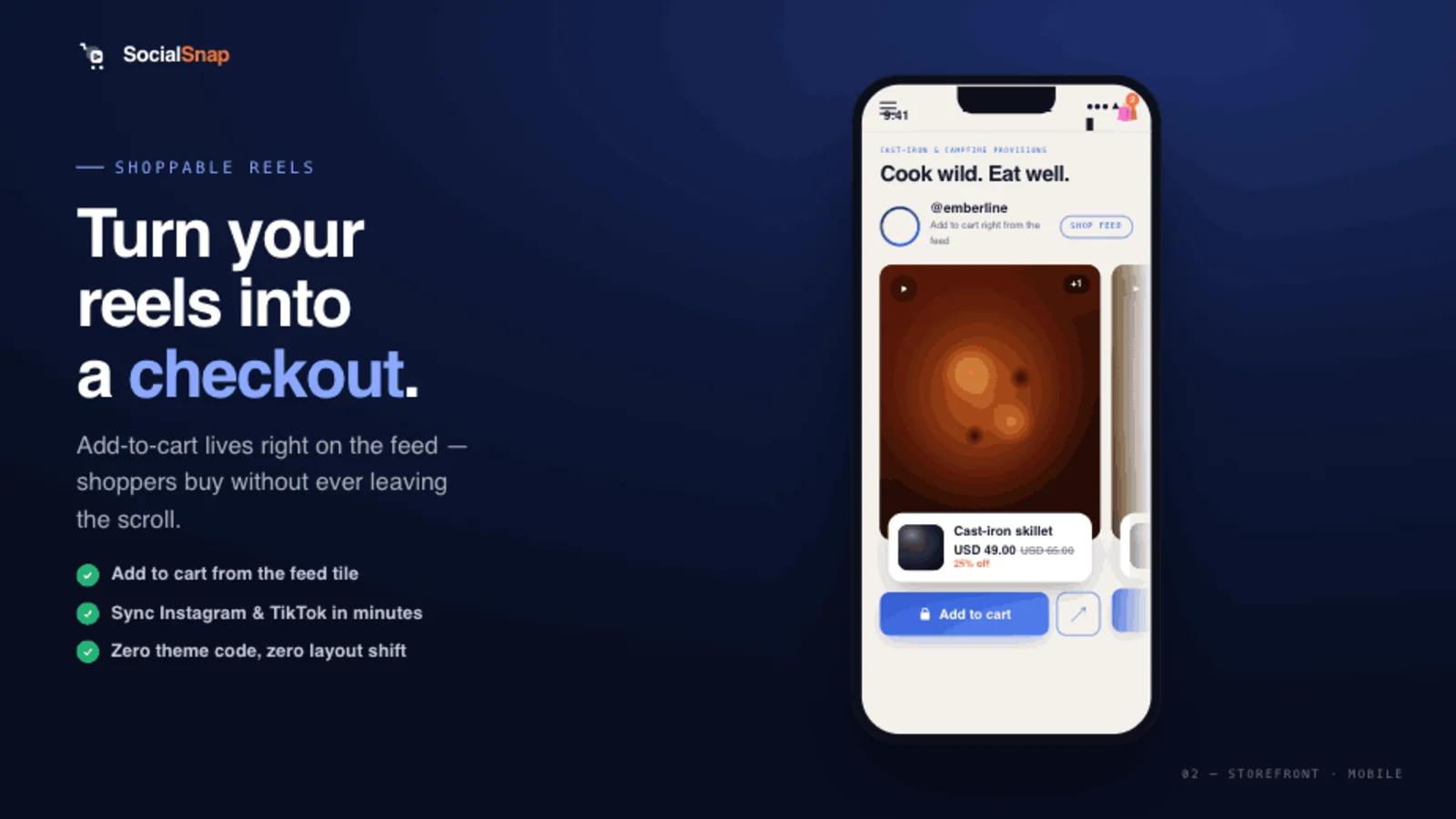
A dedicated app imports your Reels/TikToks (or your uploads), lets you tag products inside the video, and renders a clean, fast feed with an in-player add-to-cart. This is the only option that keeps the shopper and the buy button in the same place. (For the full setup, see how to add shoppable video to Shopify.)
What "shoppable" actually requires
To turn an embed into a sales surface, you need three things a raw embed can't give you:
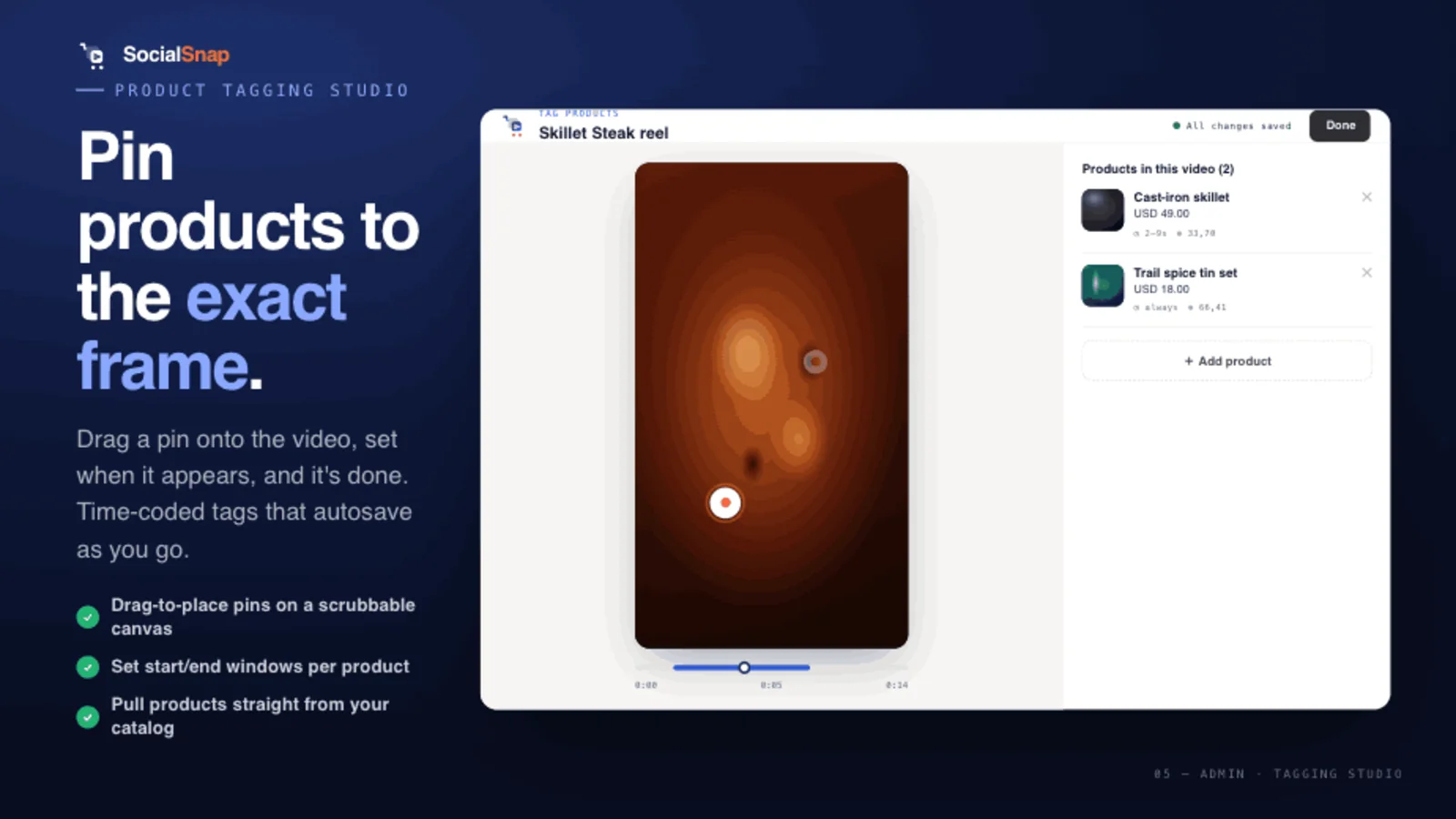
- In-player product tags — pin the product to the moment it appears, with the right variant.
- Add-to-cart without leaving the video — the shopper buys in place; no redirect to TikTok or a separate page.
- A native, fast experience — videos served efficiently so the storefront stays light.
Pick the right format for the page
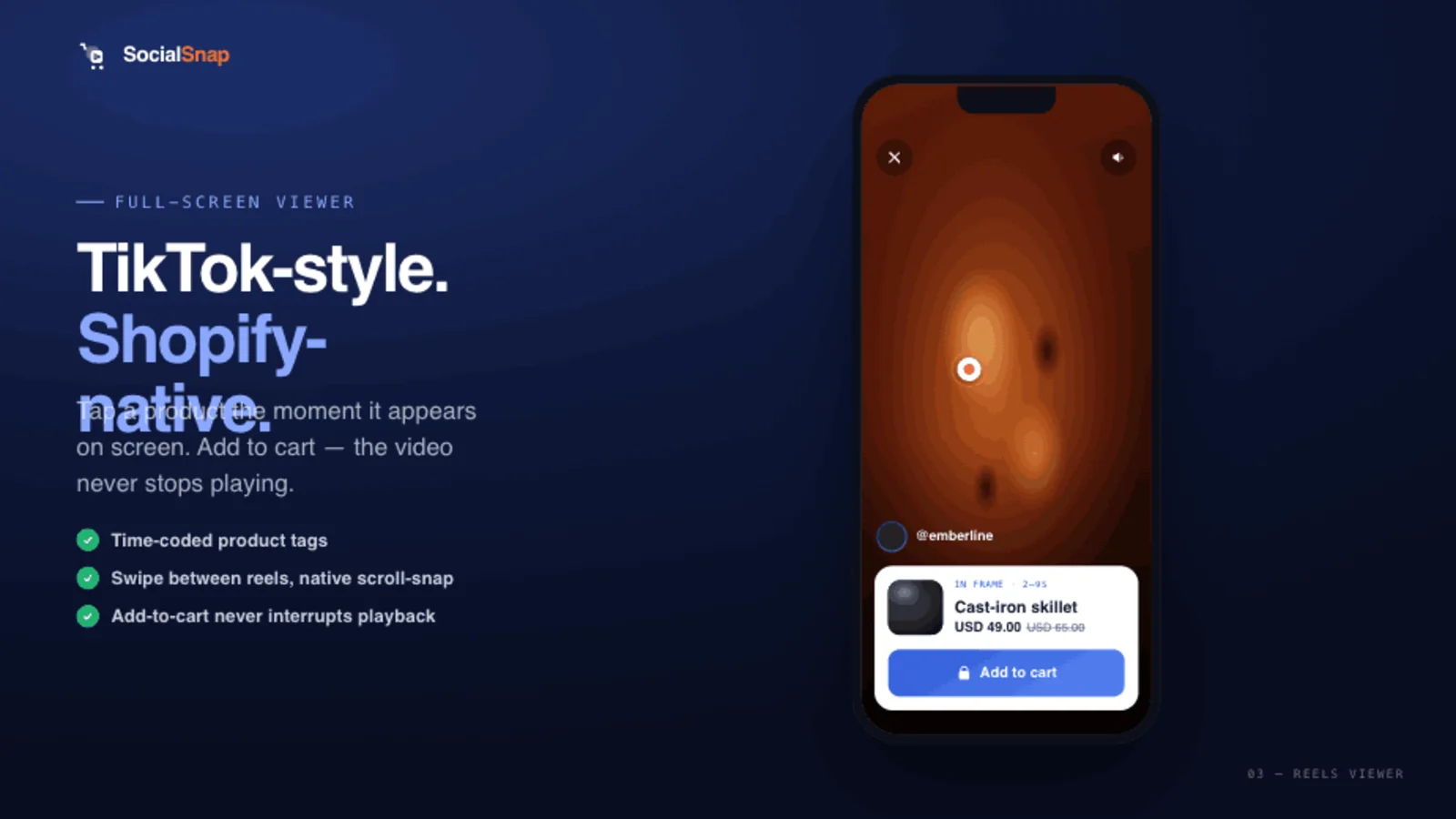
- Immersive / reels viewer — a full-screen, swipeable, sound-on experience that mirrors TikTok. Best for home pages and "shop the look" moments.
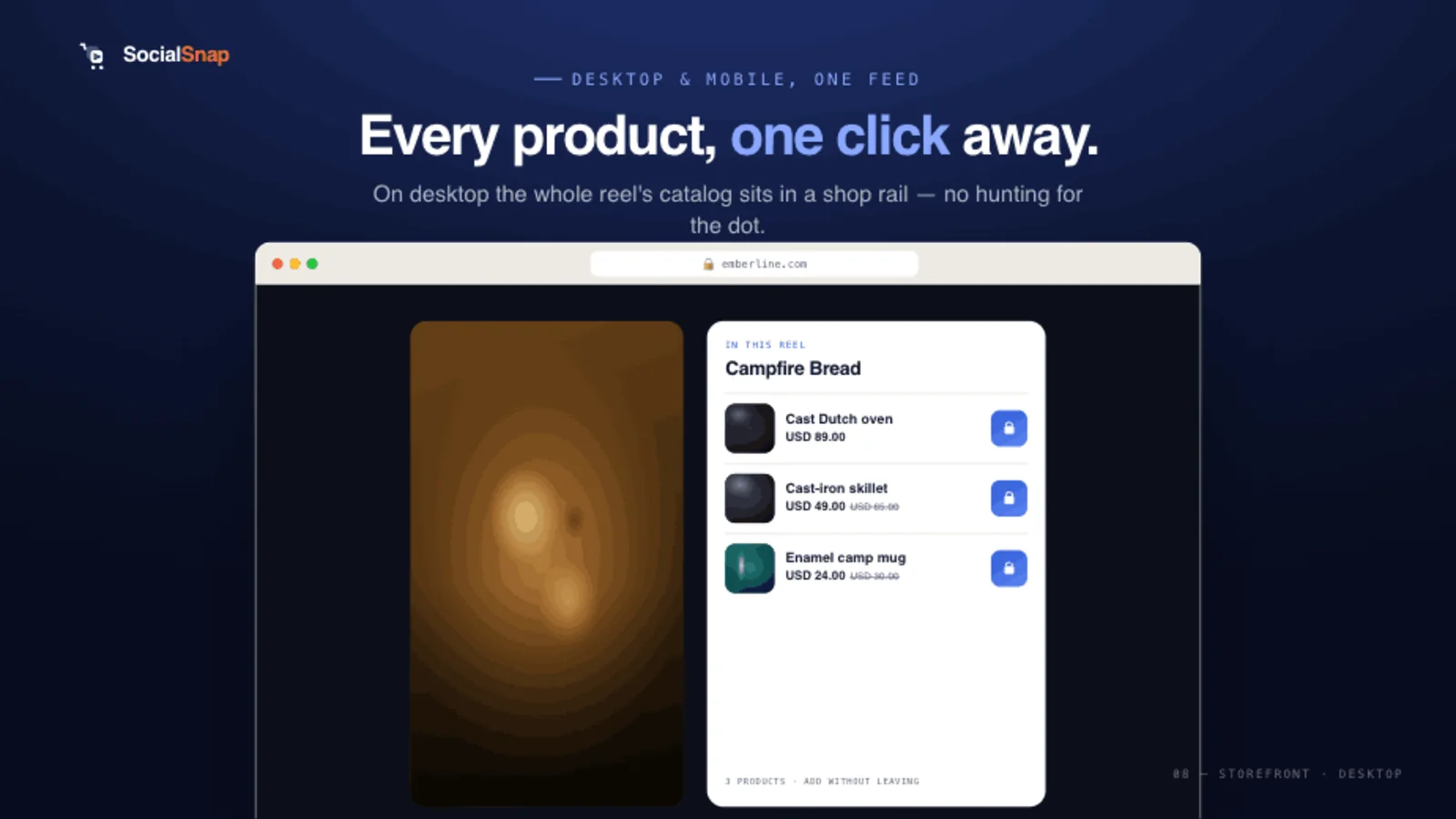
- Desktop side rail — the same vertical video, framed for desktop so it doesn't feel like a stretched phone.
- Product-page feed — short, tagged clips right where buying intent peaks.
Clip best practices (so the embed earns its place)
- 15–60 seconds. Long enough to demonstrate, short enough to finish.
- Hook in 2 seconds. Lead with the product, not a logo.
- Vertical, sound-optional. Most viewers start muted — make it work silently, reward sound.
- One hero product per clip, even if you tag a couple of supporting items.
- Match clip to page. A how-to on the PDP; a punchy "shop the drop" on the home page.
Performance: don't trade conversions for load time
Imported or hosted video should be served from optimized infrastructure (or pulled directly from the platforms), so your Shopify storefront stays light. A heavy widget can cost you more in bounce than it earns in engagement — so check your Lighthouse score before and after, and favor a Built for Shopify app with a small footprint.
Where SocialSnap fits
SocialSnap is built around the shoppable version of this: import your Reels and TikToks (or upload directly), tag products to the exact frame they appear, and render a native, full-screen TikTok-style viewer with in-player add-to-cart — on mobile and desktop. Because tagging is time-coded, the product surfaces at the moment it's shown, and a tagged video auto-appears on its matching product page. No redirect to TikTok, no lost shoppers.
Frequently asked questions
Can I embed a TikTok on Shopify for free?
Yes — paste the embed code into a custom-HTML section. But it won't be shoppable: tapping it opens TikTok, and you can't add product tags or an add-to-cart.
Why does my embedded Instagram Reel send people to Instagram?
That's by design — native embeds drive traffic back to the platform. To keep shoppers on your store with a buy button, use a shoppable video app instead of a raw embed.
How do I make a TikTok shoppable on Shopify?
Import it into a shoppable video app, tag the product (with variant) inside the player, and place the feed on your product or home page so shoppers can add to cart without leaving.
Will embedding videos slow my store?
Raw social embeds often do. A good shoppable video app serves video efficiently and keeps the storefront payload small — check Lighthouse before and after.
Can I show multiple Reels in one feed?
Yes — a shoppable video app renders a feed or carousel of clips; a manual embed only shows one video at a time.
Make your Reels & TikToks shoppable
Import the videos you already have, tag products to the exact frame they appear, and render a fast, native TikTok-style viewer with in-player add-to-cart — no redirect to social.
Add SocialSnap free →Sources: Add TikTok/Reels to Shopify — Clipara · How to Embed TikTok on Shopify 2026 — Whatmore · Shoppable Video Complete Guide — Videowise